 RailsMaps
Export pass
Style the map.
Crop the region.
Export the PNG.
For railfans, transit nerds, and whoever else likes a clean map. Built on OpenStreetMap contributors' data.
- · no subscription
- · works on RailsMaps + FreakMaps
- · Stripe checkout
- · licensed for commercial use
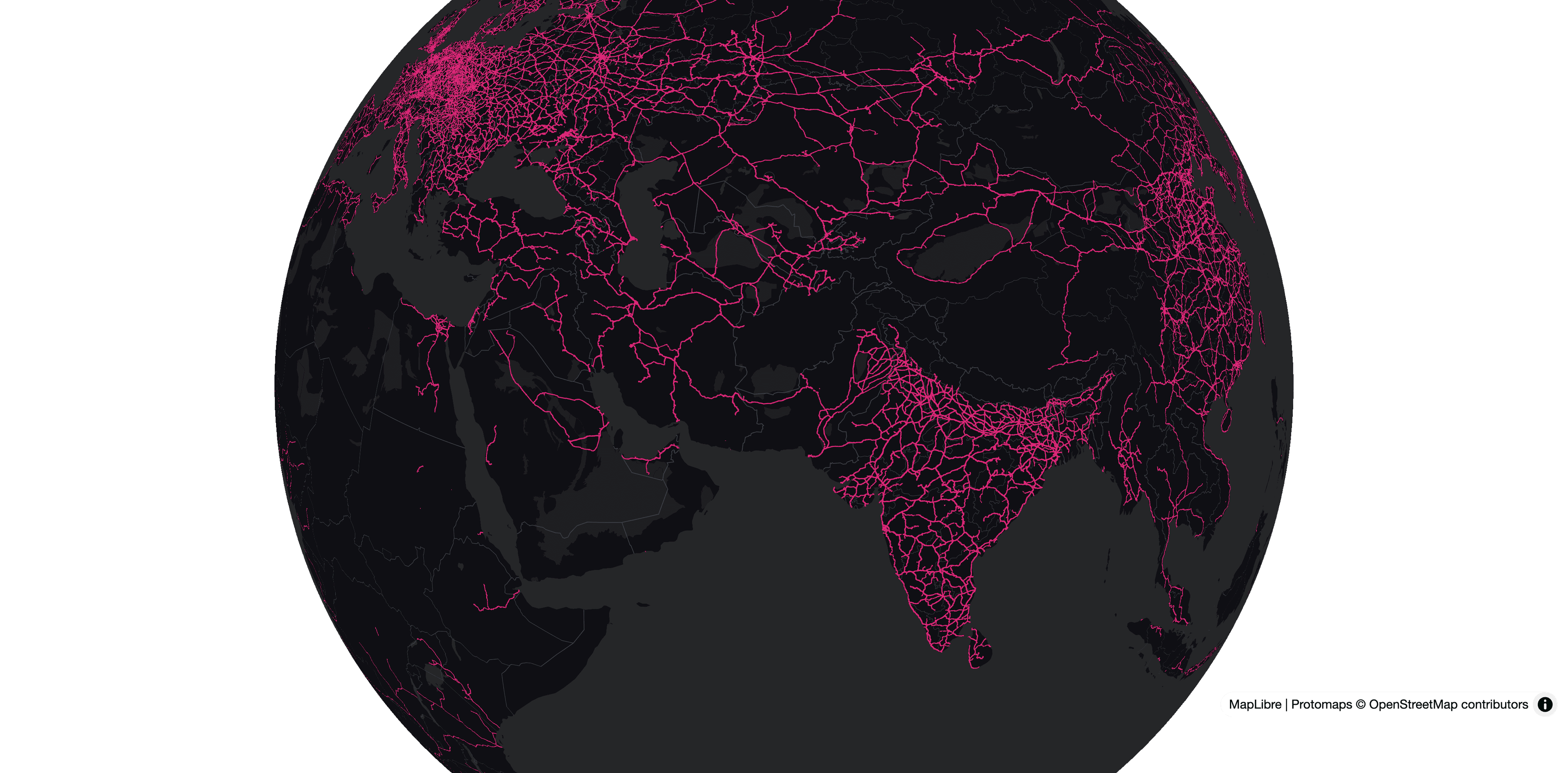
Without the pass / With the pass
Free signed-in exports include a light brand watermark. The pass removes it — and licenses what you export for commercial use.
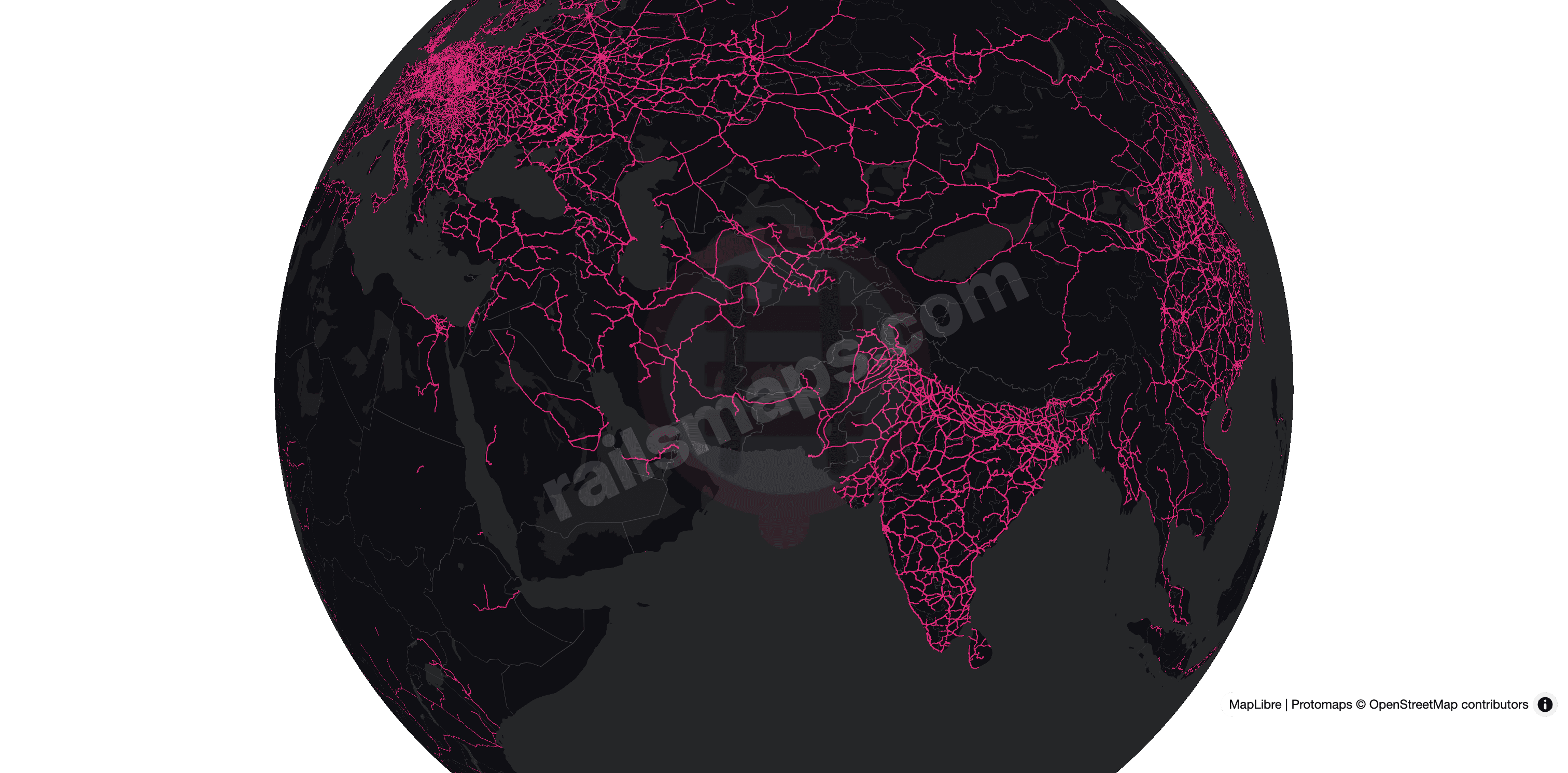
Same map. Your colors.
Custom presets let you set per-feature colors, line widths, and visibility. Save them, switch between them, keep going.
Save a preset while your pass is active and it stays on your account: stay signed in and you can keep selecting it from the menu and editing it after the pass expires. Spinning up an entirely new preset from scratch still needs an active pass.
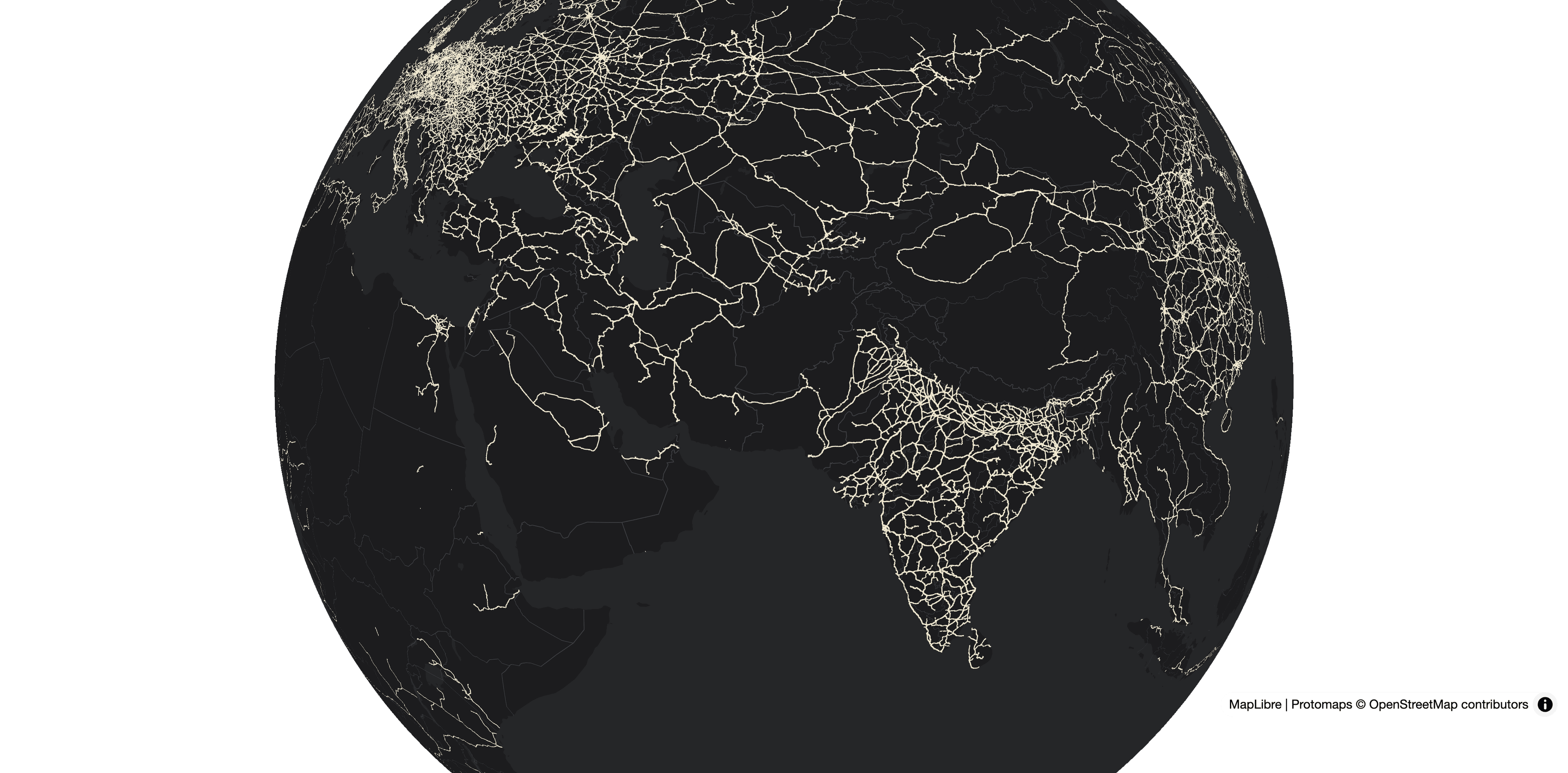
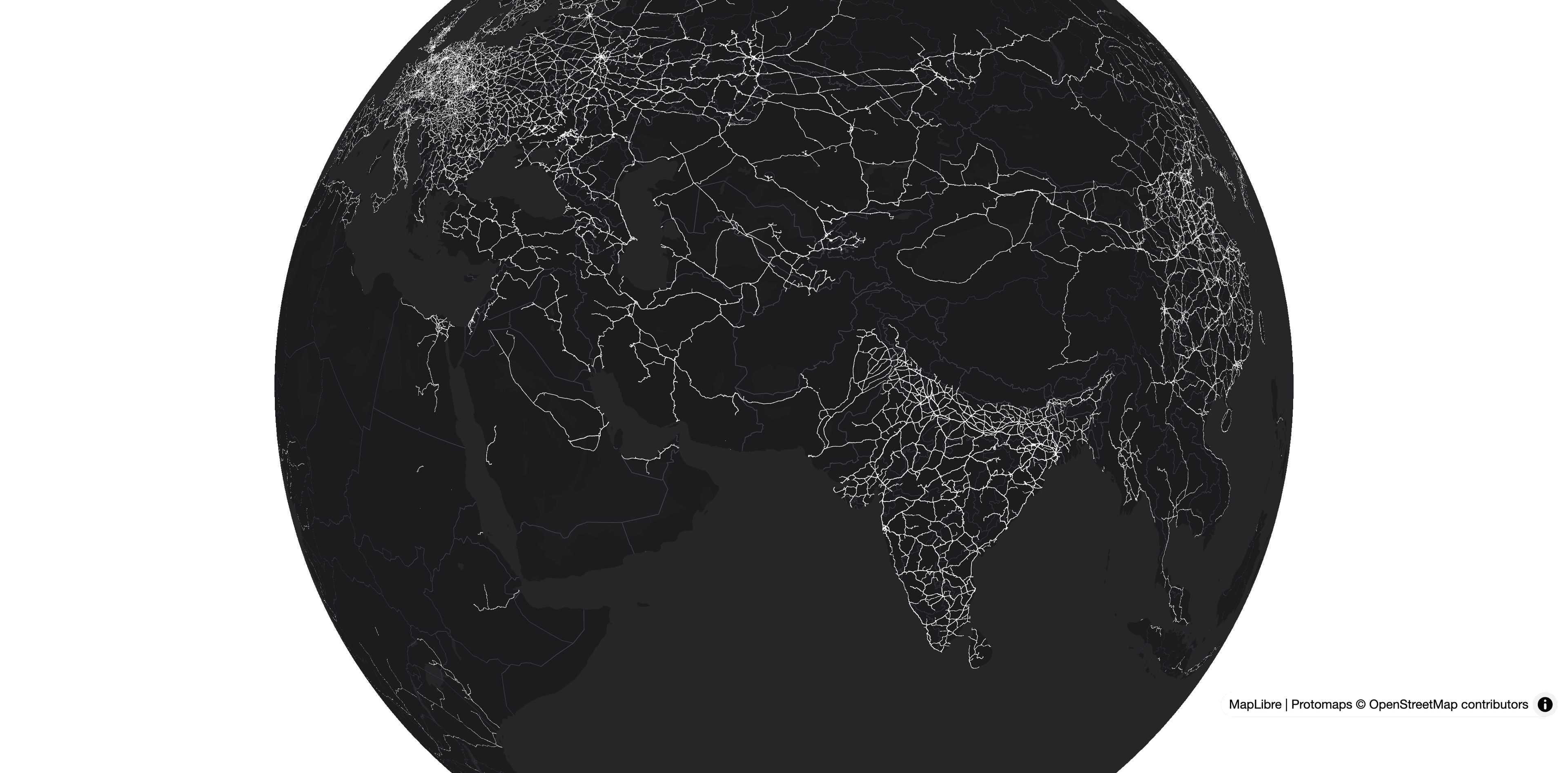
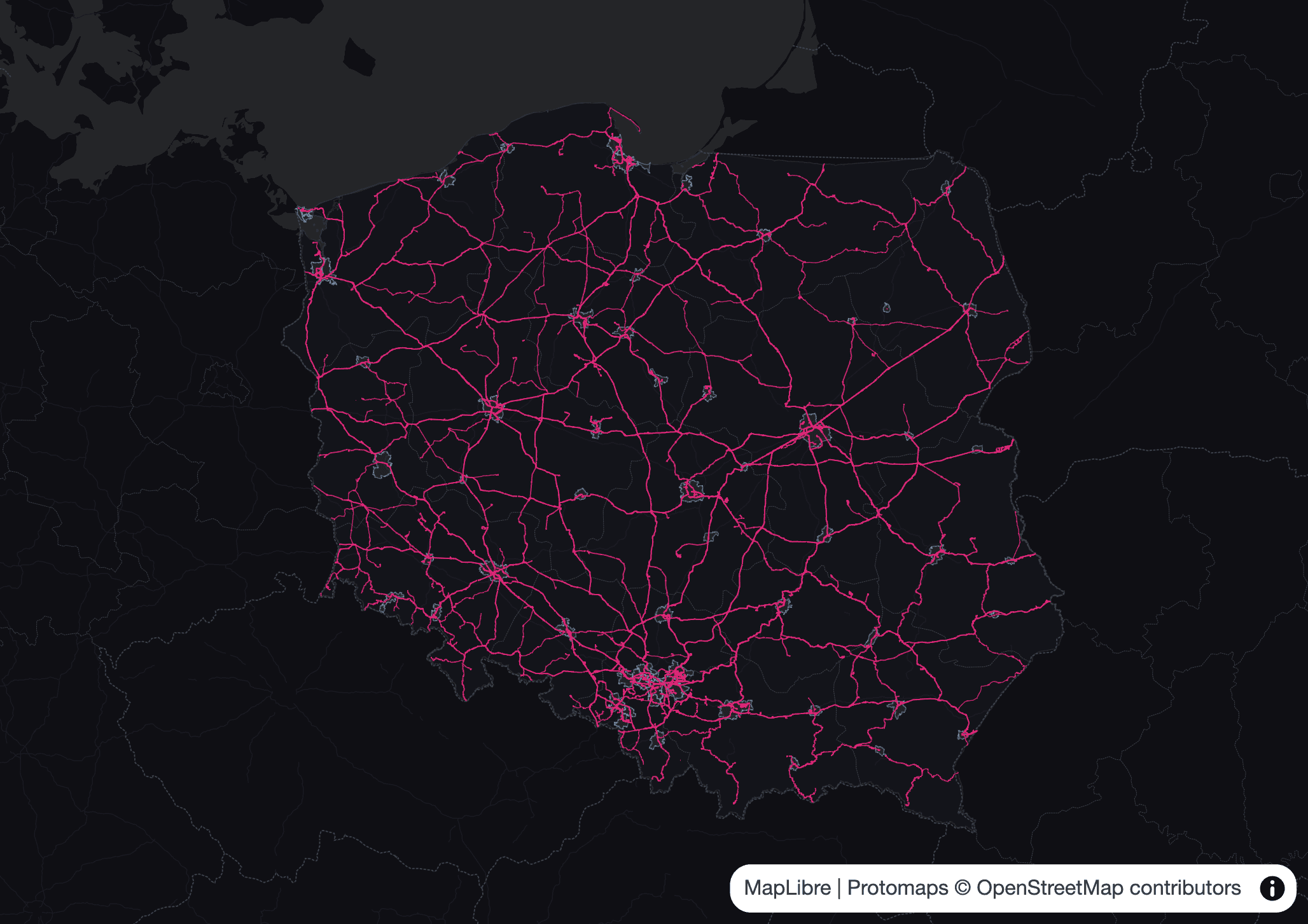
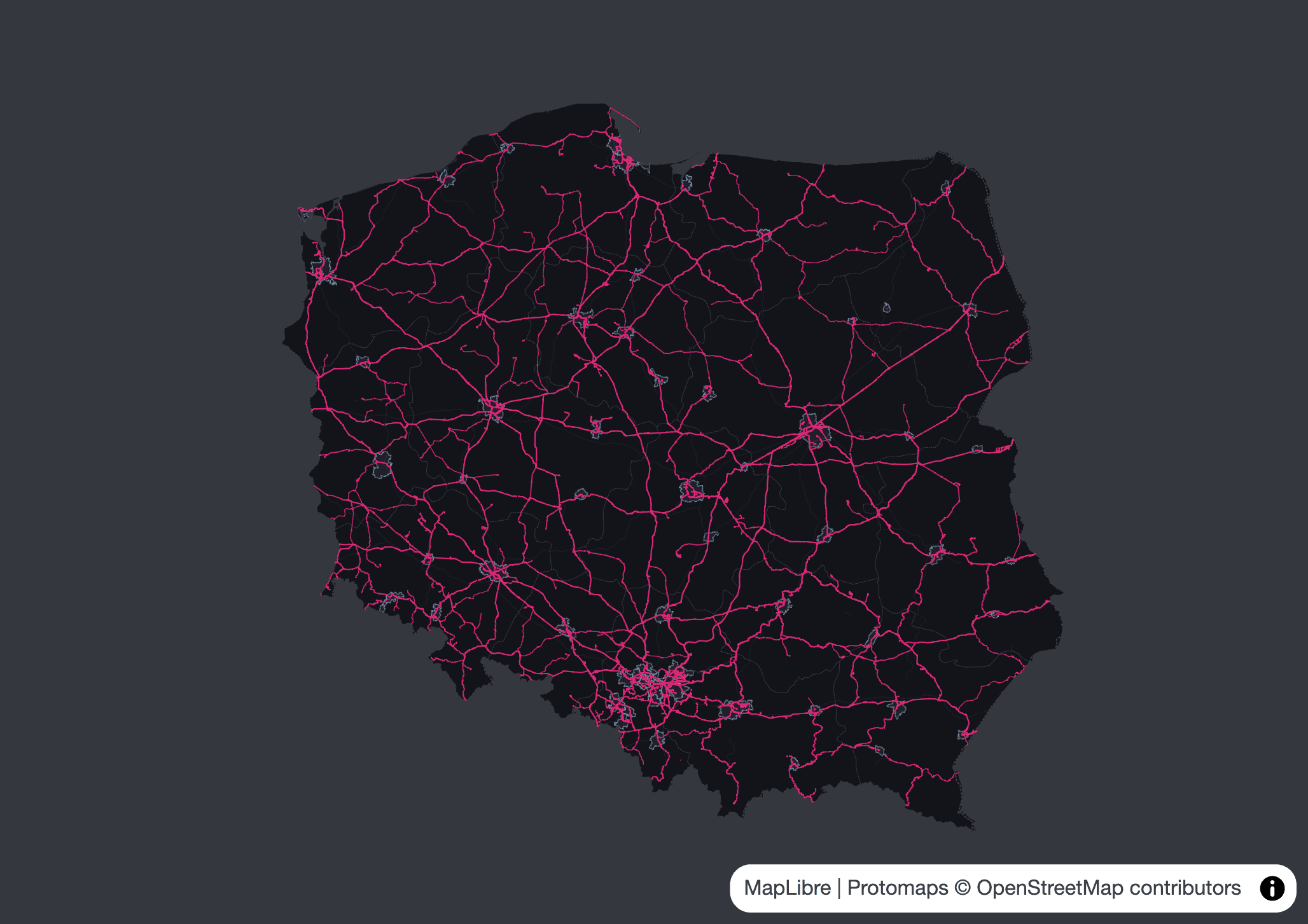
Stop at the border.
Region clip uses the OSM admin boundary so neighbours don't bleed into the export. The geometry is real, not a smooth blob.
Why this exists
RailsMaps started as a personal rabbit hole and stayed that way. The free signed-in export is here to stay.
The pass is the optional bit — watermark-free export, creating brand-new presets, and it pays for the tiles, the domains, and servers. Presets you already saved keep working on the map while you're signed in, pass active or not.
Pick a pass
Week, month, or year. Stripe checkout. No subscription. The pass works on both RailsMaps and FreakMaps with the same account.
Honest answers
- Is this a subscription?
No. Week, month, or year pass, expires when it expires, that's it. Buy another one when you need it.
- Does the pass work on both apps?
Yes. Same account on RailsMaps and FreakMaps gets you the same pass. Sign in on each domain.
- What does region clip actually do?
It crops the export to the OSM admin boundary of the selected region. Neighbouring countries stop at the border instead of bleeding into the image.
- What size are the PNGs?
PNG size is the current map view or crop size multiplied by the selected render scale. Browser exports support 1x, 2x, 3x, and 4x — default is 3x, and that applies to free watermarked downloads too, nothing hidden. Bigger window or crop plus higher scale means a bigger PNG. Device or GPU limits may cap the top presets.
- What about refunds?
Send an email and it will be sorted out.
- Do my custom presets disappear when the pass expires?
No. Stay signed in and your saved presets stay in the list — switch to them and edit whenever you like. You need an active pass to create a brand-new preset from scratch, or when you want clean, watermark-free exports and the other paid perks.
- Is there a free way to try the pass?
Yes — if you own the RailsMaps mobile app ($4.99 one-time), sign in on the app with the same account. That's all it takes to claim a complimentary +2-week pass. The pass works on both RailsMaps and FreakMaps.
- Can I use the exports commercially?
Yes. An active pass licenses the images you export for commercial use by you or your organisation — marketing, publications, websites, print, worldwide and in any medium. The licence is perpetual: images exported while the pass was active stay licensed after it expires. Reselling the images as imagery — stock libraries, posters, map packs — still needs written permission. Full wording on the Terms page. OpenStreetMap, MapLibre and Protomaps credits stay on every export — removing the brand watermark does not remove those.
- Is custom or commissioned work available?
Yes. Maps of specific regions or networks, styling matched to a brand, high-resolution renders for print, or visualisations built from your own data — all available as commissioned work, priced separately from the pass. Get in touch through the contact page and describe what you need.
On the roadmap
Need more than your browser can render?
Browser exports are capped by your screen size and GPU. For poster-size PNGs, custom paper dimensions at print resolution, or anything above 4x — server-side rendering would remove those limits entirely. No GPU cap, no browser constraints, no tab memory to worry about.
This doesn't exist yet. If there's enough interest it will get built — send a message so it can be prioritised.
Open a map. Style it. Export it.
Pass active? Just open the map and hit export.